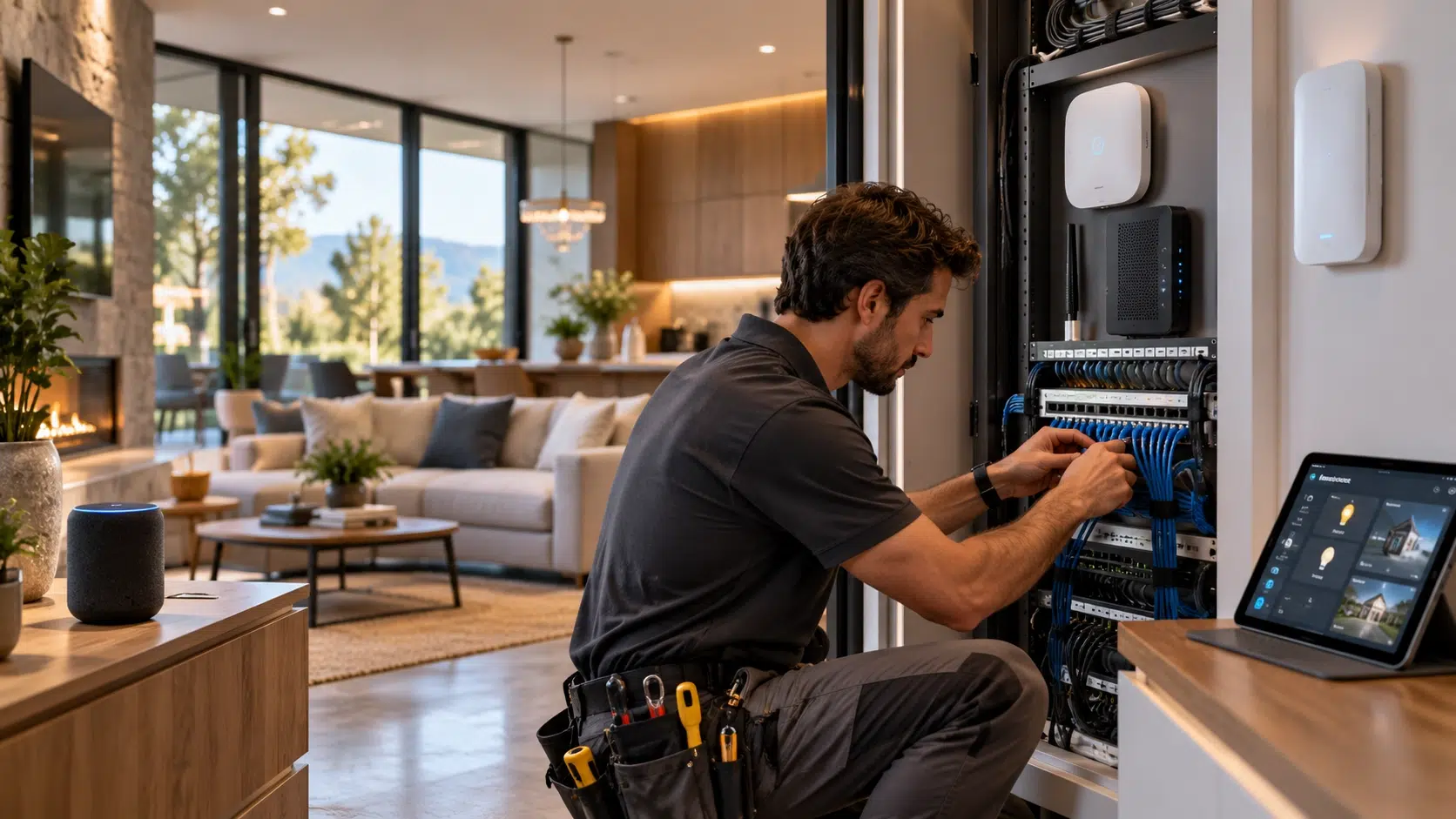
A smart home can contain dozens of connected devices, yet the quality of the experience often depends on something hidden behind walls and ceilings: the Ethernet cabling. Cameras, access points, streaming equipment, smart hubs, security panels, and other connected devices all compete for dependable network access.
Wireless technology makes installation convenient, but a wired backbone can give the system a more stable foundation.
Professional cabling also makes it easier to plan device locations, manage connections, and expand the network later. The difference becomes especially noticeable when a home grows beyond a few smart speakers and wireless plugs.
A Stronger Network Backbone
A smart home does not need every device connected by cable. Instead, professional cabling can provide a wired backbone for the devices that benefit most from a direct connection. A structured Ethernet network can connect switches, access points, cameras, media equipment, and other fixed devices while leaving mobile devices such as phones and tablets on Wi Fi.
This arrangement can reduce the amount of traffic handled entirely through wireless connections. More importantly, it gives the homeowner a physical network path that does not depend on signal strength from a nearby access point.
For many installations, Ethernet cables become the quiet infrastructure behind the smart home rather than something the homeowner notices every day.
Planning is Important
Professional cabling starts with planning rather than drilling holes. Installers consider where network equipment will sit, which rooms may need connections, and where future devices could be added.
A useful approach is to identify fixed technology first. Security cameras, ceiling-mounted access points, televisions, workstations, and centralized smart home equipment can all influence cable routes. Leaving spare capacity during construction can also prevent expensive rewiring later.
One practical lesson from structured cabling work is that an empty conduit or an extra terminated cable can seem unnecessary when the wall is open. Once the drywall is finished, adding another connection becomes a completely different job.
Choose Cable According to the Environment
Cable selection should match both the performance requirement and the installation environment. A cable running through an air handling space, for example, may require an appropriate plenum rating under applicable building codes.
For these locations, Copper Cat6 plenum cable can provide a suitable foundation for structured Ethernet connections when its specifications match the installation requirements. Solid copper conductors are also important when designing permanent horizontal cabling because conductor material affects electrical performance.
The cable category matters too. Cat6 can handle many residential networking requirements, while higher bandwidth applications may justify Cat6A. The decision should be based on the equipment, distance, environment, and expected network upgrades rather than choosing the highest category automatically.
PoE Changes Device Placement
One of the most useful features of wired networking in a smart home is Power over Ethernet. PoE allows compatible devices to receive data and electrical power through the same Ethernet connection. The Ethernet Alliance notes that PoE is used with devices including wireless access points, cameras, sensors, access control equipment, lighting, and home automation systems.
This can change how a home is designed. A ceiling access point does not necessarily need a nearby electrical outlet when the installation uses an appropriate PoE system. The same principle can simplify the placement of certain security and automation devices.
A professional design must still account for the power requirements of the equipment, the PoE standard being used, cable specifications, and installation conditions.
Where Cat6A Ethernet Cable Fits
As connected equipment becomes more demanding, cabling installed today may need to support applications that were not originally planned. This is where Cat6A plenum cable can become relevant for suitable indoor installations.
Cat6A is designed for higher frequency performance than Cat6 and is commonly used where 10 Gigabit Ethernet capability is required across 100 meters. Its larger construction can make routing and termination more demanding, so installation quality matters.
Choosing Cat6A does not automatically make a network faster. The switches, network interfaces, patch panels, connectors, and other components must also support the intended performance level.
Three Installation Details Matter
Cable routing: Avoid sharp bends, crushing, and excessive pulling force that can damage cable geometry.
Termination: Poorly installed connectors or jacks can undermine an otherwise capable cable.
Testing: Certification and continuity testing can identify wiring problems before walls and ceilings hide them.
Build for Future Changes
Smart home technology rarely stays fixed. A homeowner may add more cameras, replace wireless access points, install a home server, or create a dedicated media room years after the original installation.
That makes accessible network equipment and clearly organized cabling valuable. Labeling cables at both ends can save considerable troubleshooting time. Keeping equipment in a logical central location can also make future maintenance easier.
The objective is not to predict every future device. It is to create enough capacity and organization that new equipment can be added without rebuilding the network from scratch.
A Better Smart Home Experience
Professional cabling does not make every smart device better by itself. Its value comes from creating a dependable physical foundation for the devices that depend on the network most.
A well-planned system can provide direct connections where they matter, support PoE devices, accommodate higher bandwidth requirements, and leave room for expansion. Wireless technology can then complement the wired backbone instead of carrying the entire burden.
The result is a smart home that is easier to manage today and easier to adapt when tomorrow’s devices arrive.