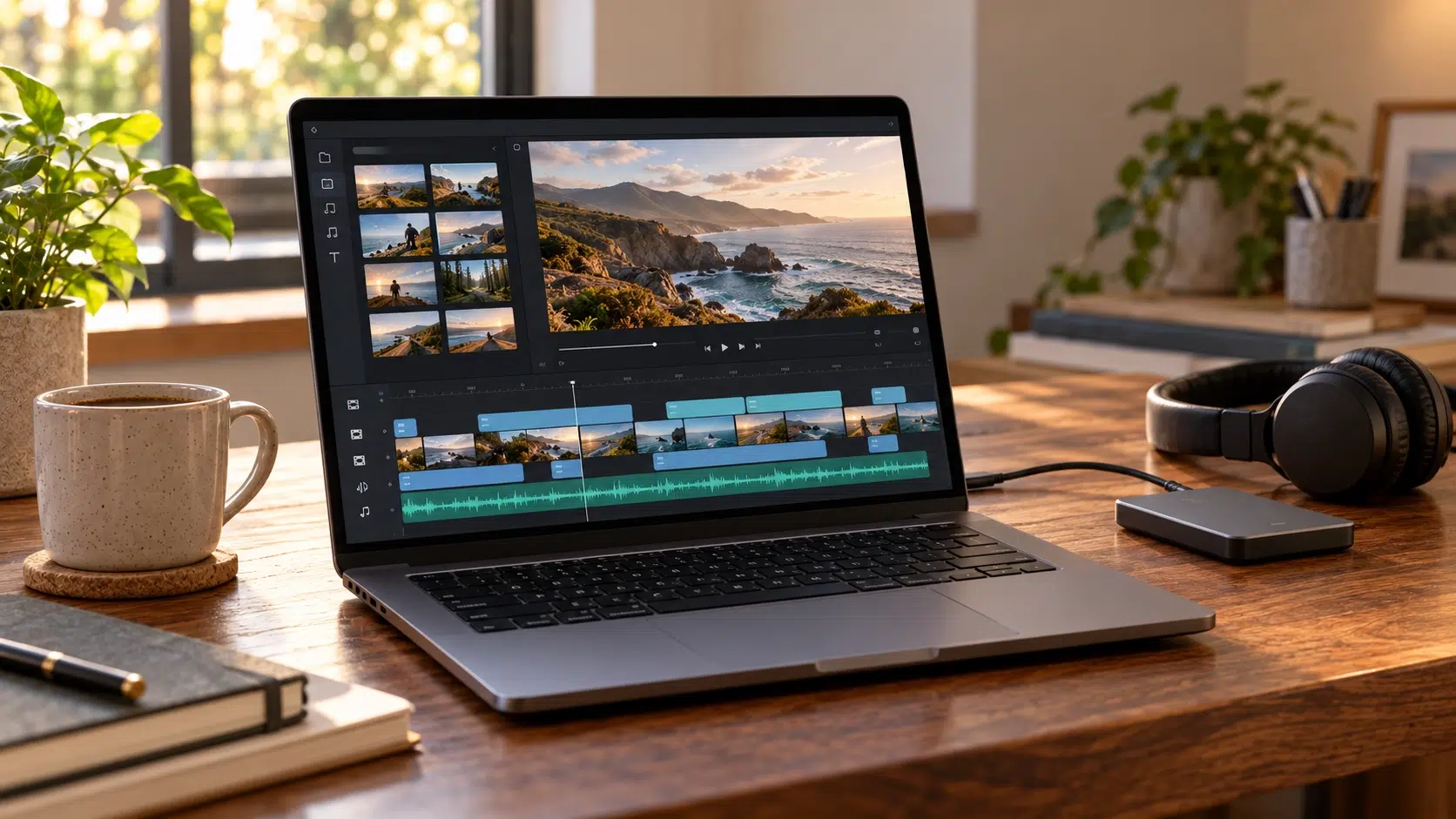
A free AI video generator for long video length usually works by combining short clips, since free generative tools make clips of seconds, not minutes. Adobe Firefly’s AI video generator creates watermark-free, five-second 1080p clips, and Firefly’s video editor lets you join them, add music, and build a longer finished video.
Maybe you want a two-minute YouTube explainer, a 90-second product overview for a landing page, or a slow, cinematic montage for a wedding slideshow. Typing “free AI video generator” into a search bar suggests you’ll get something like that in one click. In practice, “long” means very different things depending on the tool. Generative tools that create footage from scratch measure free output in seconds. Template and stock-based tools that assemble existing media can reach a minute or two. And open models you run yourself can stretch single clips further, but only if you have the hardware. Knowing which category you’re in turns a frustrating search into a workable plan.
For most people, the most reliable route to a longer video is a hybrid. Generate a handful of original hero shots, the moments that need to look custom, then fill the rest with your own footage, photos, text scenes, or narration. Firefly fits this approach well. Adobe says clips download as MP4 files and currently run five seconds at 1080p, with free generation available in limited amounts through a Creative Cloud or Firefly plan. You can link clips with a start frame and an optional end frame so they flow together, then arrange everything on the video editor timeline, which is in public beta on desktop.
Pricing and Free Plan Video Minutes: Which Tools Count in Minutes?
Pricing and free plan video minutes mostly apply to template- and stock-based tools, which build videos from existing media instead of generating every frame.
Fliki, for example, turns a script or blog URL into a video with stock media, AI voiceover, captions, and music. Its blog-to-video feature offers short videos of about one minute, medium videos of about two minutes, and full-length options, and Fliki’s site advertises a free forever plan. A Lumen5 review describes a free plan with a monthly video limit, a two-minute maximum per video, 720p exports, and a watermark.
These tools are a good fit when you need minutes of narrated content quickly. The trade-off is originality, since most visuals come from shared stock libraries. Pairing them with a few original clips from a generative tool can make a longer video feel more distinctive.
How Pricing Limits Free Video Duration
Pricing limits free video duration in different ways depending on the tool. The table below compares how far each free option goes, based on Adobe’s pages for Firefly and recent reviews and guides for the others.
| Platform | Type | Free duration and details |
| Adobe Firefly | Generative | Five-second 1080p clips; limited free use; no watermark; join clips in the video editor |
| Runway | Generative | Gen-4 clips of 5 or 10 seconds; 125 one-time credits; watermarked on free |
| Kling AI | Generative | Free clips typically about 5 seconds; daily credits; watermarked on free |
| Fliki | Stock and template | Short (about 1 minute), medium (about 2 minutes), or full-length blog-to-video options |
| Lumen5 | Stock and template | Up to 2 minutes per video on free; monthly limit; 720p; watermarked |
Free terms change often, so check current plan pages before planning a long project.
Pricing for Free Video Generation: How Many Seconds Credits Buy
Pricing for free video generation is easiest to understand when you convert credits into seconds of footage.
Comparison guides put Runway’s Gen-4 Turbo at roughly 5 credits per second. With 125 one-time free credits, that works out to about 25 seconds of generated footage in total, or a couple of 10-second clips. Kling’s credit costs also scale with clip length and resolution, though its free credits reset daily, so total output grows if you return day after day.
Firefly frames it differently. Adobe describes generative credits as what you use to create content with Firefly tools, and free accounts get a limited number of video generations. Each one yields about five seconds. Paid plans add higher-volume generation and access to partner models from Google, Runway, Luma, and OpenAI.
Whichever tool you use, budget your free seconds for the shots that matter most.
FAQ
How many clips make a one-minute video?
With five-second clips, you’d need about 12 clips for a full minute of generated footage. Many creators use fewer, mixing in their own footage, photos, and text scenes to reach the target length.
Do long AI videos look worse than short ones?
Single long generations can drift, with faces or objects slowly changing. Short, connected clips with consistent prompts and matching start and end frames often hold together better.
Can I use free Firefly clips commercially?
Adobe says commercial usage eligibility depends on the model used. Firefly’s own models are designed to be commercially safe, while partner models may have different terms.