A slow shot of a leather bag can show its shape beautifully without answering whether a laptop fits inside. A close view of the compartments may answer that question but say little about the brand’s style. Before making a product video, decide which job it needs to do.
For Seedance 2.5 product videos, generated visuals can play a supporting role, but a showcase, a demonstration, and a brand film require different source material and different standards of proof. Choosing the production path first helps keep the final piece both useful and credible.
A showcase helps viewers inspect appearance
A showcase concentrates on visible design: silhouette, color, finish, proportions, and selected details. For a hypothetical bag launch, the aim might be to help shoppers understand the overall shape and the appearance of the hardware.
Gather authorized photographs and real footage of the exact product version. Include angles that answer practical visual questions. If stitching, texture, or a fastening matters, provide a clear source image rather than expecting a generated view to invent it accurately.
An AI product video can add atmosphere around those assets. A restrained generated background or an illustrative setting may help establish mood. However, the product itself needs scrutiny if generation changes its structure, color, or material appearance.
For a hypothetical leather-bag showcase, supply authorized photographs of the exact bag in the image input mode available to you. An untested brief could read: “Use the supplied photographs of the tan leather weekender as visual references. The bag rests on a pale stone plinth against a warm neutral background. Soft, diffused studio light. A slow push-in toward the visible brass buckle, staying within the photographed view. Preserve the visible shape, stitching, hardware, and leather tone as closely as possible.” The requested resemblance is a direction to test, not a guarantee.
Compare the entire take with those references, pausing where necessary to inspect the stitching, buckle shape, handle attachments, and leather tone. A warm setting must not make the real bag look like a different color or finish. If a product detail changes, try another take or replace the affected shot with an authorized photograph or real footage.
Do not use an unseen generated rear view as evidence of the real bag’s design. If that angle matters, photograph it. Appearance-focused content still carries factual implications when someone is deciding what to buy.
A demonstration must show actual use
A demonstration answers a functional question. Does the bag hold a particular laptop? How does the strap adjust? Can someone reach the inner pocket while wearing it?
Record those actions with the real product. Plan the frame so viewers can see the setup, the action, and the result. A close-up that hides the relevant compartment may make a demonstration look polished while failing to prove anything.
Generated footage should not stand in for a real test. It can depict a zip closing or water rolling off fabric, but that does not establish how the actual item performs. Avoid visual claims about durability, capacity, resistance, or safety unless supported by appropriate real evidence.
A product video maker can help assemble footage, labels, and sound. Use the editor to clarify what was demonstrated: identify the model, show the relevant dimension, or explain a limitation. Keep measurements and claims tied to verified product information.
A brand film communicates an idea
A brand film connects a product with a theme such as quiet travel, careful craftsmanship, or everyday versatility. Its success depends on an understandable emotional direction, not an exhaustive feature list.
For the bag example, a hypothetical brand film might follow the feeling of preparing for a calm weekend trip. Real packing footage could anchor the piece, while a generated abstract landscape communicates anticipation. The landscape should read as creative imagery, not proof of a trip or location the brand actually filmed.
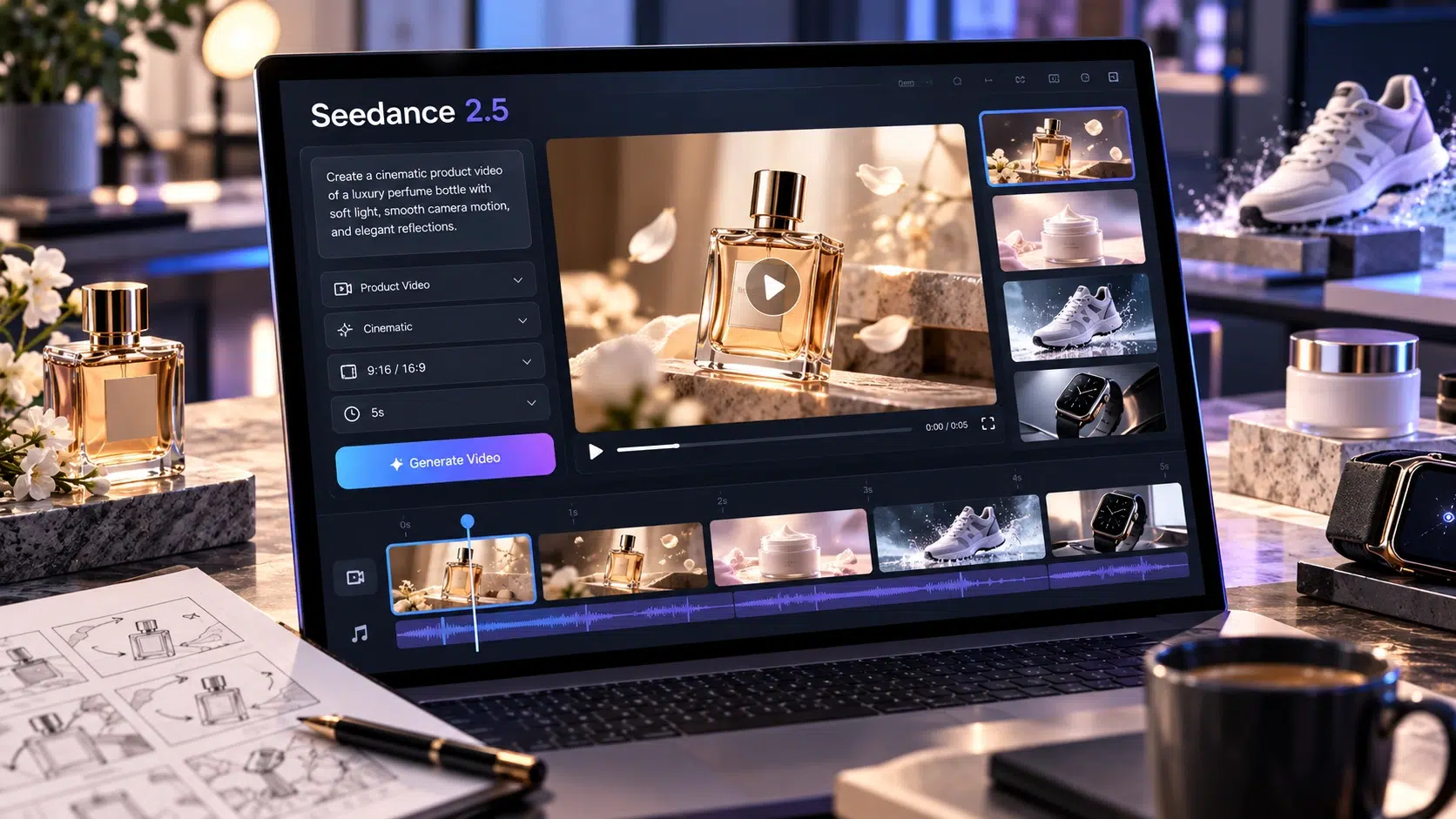
Creators exploring Seedance 2.5 product videos can use generated clips as part of that visual development, then combine selected material in an external editor. Check the available input modes and commercial-use terms for the service and plan you use.
Collect a short creative brief, licensed visual references, approved branding, and any real product footage required. Even a mood-led film needs reliable logos, correct product naming, and a coherent relationship between the item and the story.
Choose materials according to the claim
Match each planned shot to the claim it makes:
- Appearance: if the shot says “this is the finish,” use a clear view supported by the actual product or an authorized photograph of that version. Compare color, texture, stitching, and hardware before accepting generated footage.
- Function: if the shot says “this is how it works,” show actual use with the real product. A laptop-fit claim needs footage of that laptop going into the bag, with the relevant compartment visible.
- Mood: if the shot says “this is the feeling of travel,” creative imagery may be suitable when presented honestly. Keep it separate from any claim that the brand filmed that location or tested the bag there.
One finished video can combine the three paths, but give each section a clear purpose. A brief brand opening might lead to a real demonstration and finish with an accurate showcase. Do not let an atmospheric shot replace the functional answer the viewer came for.
When you create product videos with AI, make a simple shot plan showing which shots are recorded, supplied photographs, or generated illustrations. This avoids discovering late in the edit that an essential claim has no dependable visual support.
Finish the selected path in an external editor
Use a separate finishing check for each path:
- Showcase: prioritize legible views, consistent product color, and enough time to inspect the important details. Check the opening, middle, and final frames for changes in the bag’s shape, stitching, or hardware.
- Demonstration: retain the setup, meaningful action, and result. Avoid a cut that hides whether the laptop actually fits, how a fastening closes, or how an adjustment was made.
- Brand film: shape the sequence around one understandable theme while keeping the product recognizable. Check that the selected clips, transitions, and sound support the same idea.
Add approved text and graphics in the editor. Generated lettering can be inaccurate, and tiny product labels may become unstable during motion. Use licensed music and make sure important spoken information remains easy to hear.
Review the export with someone who has the product information. Ask them to identify anything that looks different from the real item or implies an unsupported capability. Then inspect the file on its intended screen. A video is ready when its visual appeal supports the right buying question and its factual details remain trustworthy.