Images are everywhere in modern communication. We use them in blog posts, online stores, presentations, social media campaigns, and personal albums. But a photo is not always ready to use the moment it is captured or downloaded. Text overlays, subtitles, date stamps, and watermarks can distract from the subject or clash with a design. Editing tools once demanded advanced skills and expensive software to fix these problems.
Today, artificial intelligence has made image cleanup faster and more accessible than ever. This article looks at why people clean text from pictures, how the technology works, and what to keep in mind when using it responsibly.
Why People Need to Clean Text From Images
Many everyday situations call for a cleaner picture, and a growing number of people look for ways to remove captions from photo files so the visual can stand on its own. A screenshot from a video may carry unwanted subtitles. A product photo may include a supplier’s label that no longer applies. A family picture may have a date stamp burned into the corner that spoils the composition. In each case, the text is not part of the story the image is meant to tell, and removing it gives the viewer a clearer, more professional result.
Designers and marketers also face this problem often. When a layout requires a fresh headline or a different language, the old text must go before new text can be added. Without a clean base image, the final design can look cluttered or inconsistent.
How Modern Image Editing Technology Works
Traditional editing relied on manual tools such as the clone stamp and healing brush. A skilled editor would copy nearby pixels and paint them over the unwanted area, one careful stroke at a time. This worked well for simple backgrounds but became slow and unreliable on complex textures like fabric, foliage, or skin.
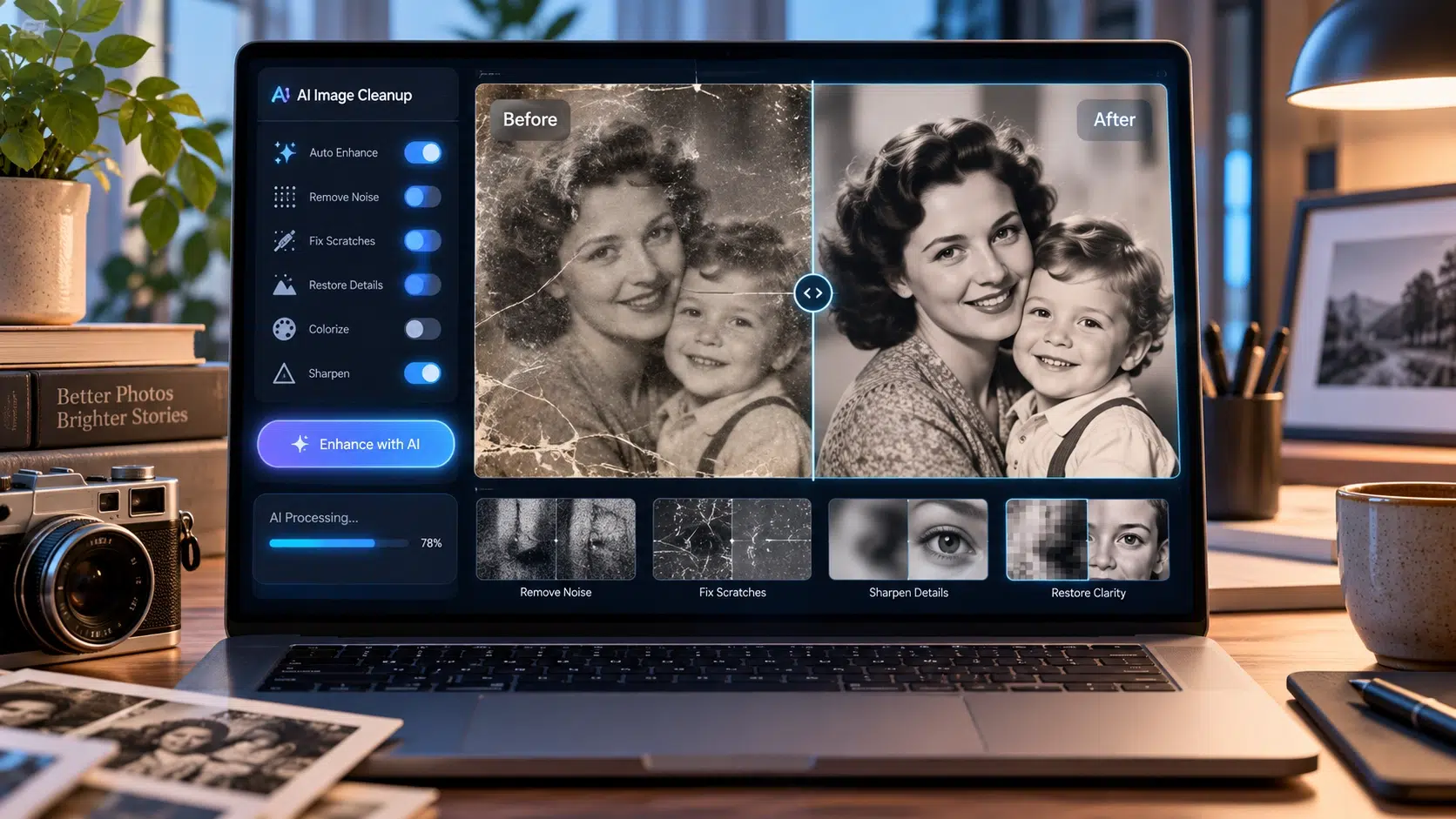
AI-based tools take a different approach. They are trained on enormous collections of images, which teaches them how lighting, texture, and patterns usually behave. When a user selects or highlights an area, the system analyzes the surrounding pixels and predicts what should appear underneath. This process is often called inpainting. Instead of simply copying a patch, the software generates new pixels that match the color, grain, and perspective of the scene.
Some tools can even detect text automatically. Using optical character recognition and object detection, they locate words in an image and mask them without the user drawing anything. That saves time, especially when working with large batches of pictures.
Common Use Cases
The range of practical uses is wider than many people expect. Here are some of the most common:
E-commerce and product photography. Online sellers often receive supplier images with promotional text, price tags, or outdated branding. Cleaning these images allows a store to present a consistent catalog.
Content creation and publishing. Bloggers, journalists, and social media managers frequently need clean visuals for thumbnails and featured images. Removing stray text helps images fit different layouts and platforms.
Personal photo restoration. Old scanned photographs may include handwritten notes, stamps, or printed dates. Careful cleanup can preserve the original scene while restoring a more natural look.
Education and presentations. Teachers and students often work with diagrams or screenshots that include distracting labels. Cleaner visuals make slides easier to read and understand.
Translation and localization. Teams adapting visuals for different markets need to erase existing text before inserting translated versions.
Tips for Getting Better Results
Even the best tools perform differently depending on the input. A few simple habits can improve the outcome noticeably.
Start with the highest resolution version of the image available. More detail gives the software more information to work with, which leads to smoother reconstruction. Heavily compressed or tiny images tend to produce blurry or uneven patches.
Be precise when selecting the area to edit. Covering only the text and a small margin around it usually works better than selecting a large region, because a smaller area gives the algorithm less to guess.
Consider the background. Text placed over a plain sky or a solid wall is easy to remove cleanly. Text that crosses faces, intricate patterns, or sharp edges is harder and may need a second pass or some light manual touch-up.
Finally, always zoom in and inspect the result. Look for smudges, repeated patterns, or color mismatches. Many tools allow you to regenerate the fill or adjust the selection until the edit looks natural.
Ethical and Legal Considerations
Powerful tools come with responsibilities. Before editing any image, it is worth asking who owns it and whether you have permission to change it. Removing a watermark from a photographer’s work to use it without credit or payment can violate copyright law and basic professional respect. Likewise, altering a news photograph or a document in a way that misleads viewers raises serious ethical concerns.
Legitimate uses are plentiful: cleaning your own images, editing materials you have licensed, restoring family photographs, or preparing assets for which you hold the rights. When in doubt, check the license terms or contact the original creator. Transparency also matters. If an edited image is presented as a factual record, disclosing the changes helps maintain trust with your audience.
The Future of Image Cleanup
The technology continues to improve quickly. Newer models handle complex backgrounds more accurately, work in real time, and run directly in a web browser or on a phone without any installation. We can expect better understanding of context, so that edits blend even more seamlessly with the original scene. As these tools become routine, the skill that matters most will shift from technical editing to good judgment about when and how to use them.
Conclusion
Clean, focused images make content more effective, whether it is a product page, a presentation slide, or a treasured family picture. Understanding how modern editing tools work, and how to use them carefully, helps anyone get professional-looking results without a steep learning curve. For those who regularly need to remove captions from photo files, the key is to start with good-quality images, select areas precisely, review the output closely, and always respect ownership and copyright. Used thoughtfully, AI-assisted editing is a practical way to bring clarity and polish to your visuals.